 Joe Kovach advises executives about technology so they can make better decisions.
Meet LibreWolf, an Excellent Privacy-First Browser
Most people use Chrome as their daily browser. But Google has removed Manifest V2 in favor of Manifest V3, a change that severely limits the power of ad blockers.
Firefox, once the standard-bearer for user freedom, has drawn criticism for privacy-compromising partnerships.
So where should you turn?
Try LibreWolf. It’s a hardened, privacy-first fork of Firefox. It blocks many trackers out of the box, deletes all cookies on close (unless you say not to), and gives you better control over your digital footprint. A list of features explains more.
If you’re on macOS, one quick step is required before launch. Run this from the terminal to remove quarantine attributes that prevent unsigned apps from running:
xattr -cr /Applications/LibreWolf.app/
Are you someone who prefers Chrome’s developer tools or depends on specific extensions? Then consider Ungoogled Chromium—a modified version of Chromium that strips away all Google surveillance while retaining Chrome‑like functionality.
Tracking protection
When a site breaks under LibreWolf’s stricter controls—and sometimes they will—resist the urge to abandon the browser. It takes some investigation to troubleshoot, but the peace of mind you gain from granular privacy controls is worth it.
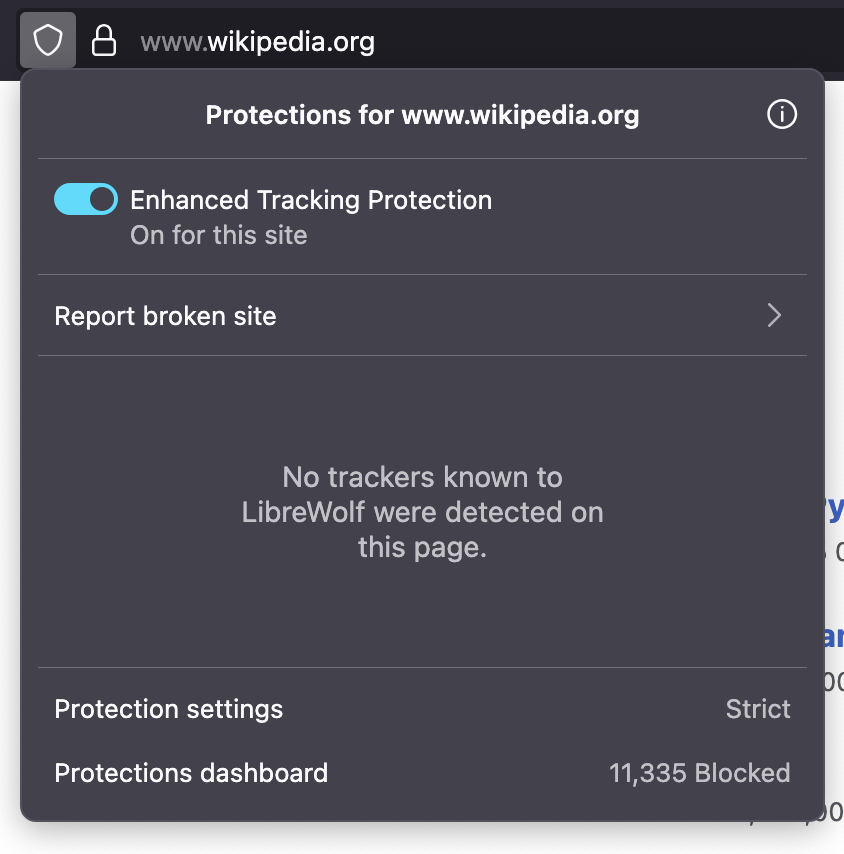
As a first measure, click the shield icon and toggle off strict tracking protection for the broken site to see if that fixes the issue. Here is it shown in the default on position.
If that doesn’t work, disable the other privacy-centric add-ons, one by one, to discover which is preventing the site from loading properly. (More on add-ons in a minute.)
Cookies
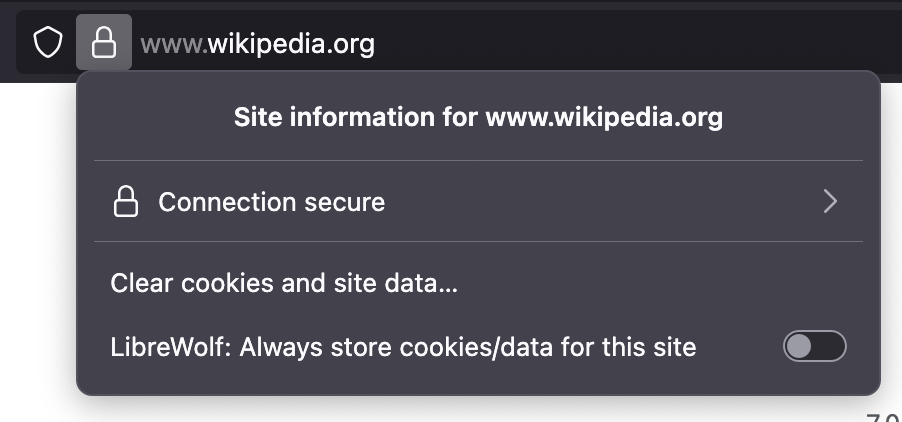
By default, cookies aren’t stored between browser restarts—great for privacy, but occasionally inconvenient when logging into sites. The fix is simple: when you visit a site you frequent and trust, click the lock icon in the address bar and choose “Allow cookies.” Here it is shown in the default off position.
Essential Add-ons
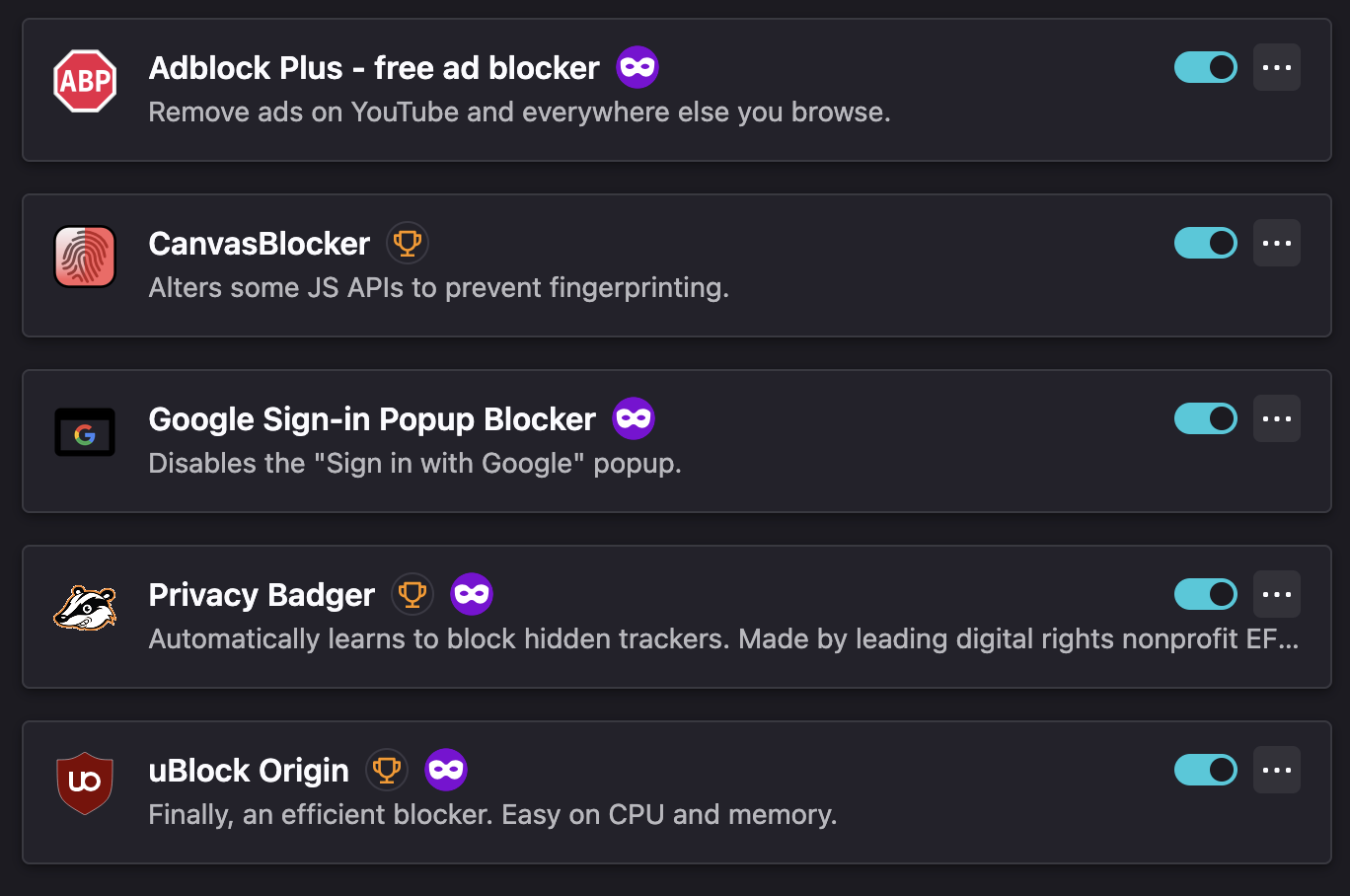
While uBlock Origin comes preloaded, you can further strengthen your setup with these essential add-ons:
Here they are pictured so you can recognize their logos:
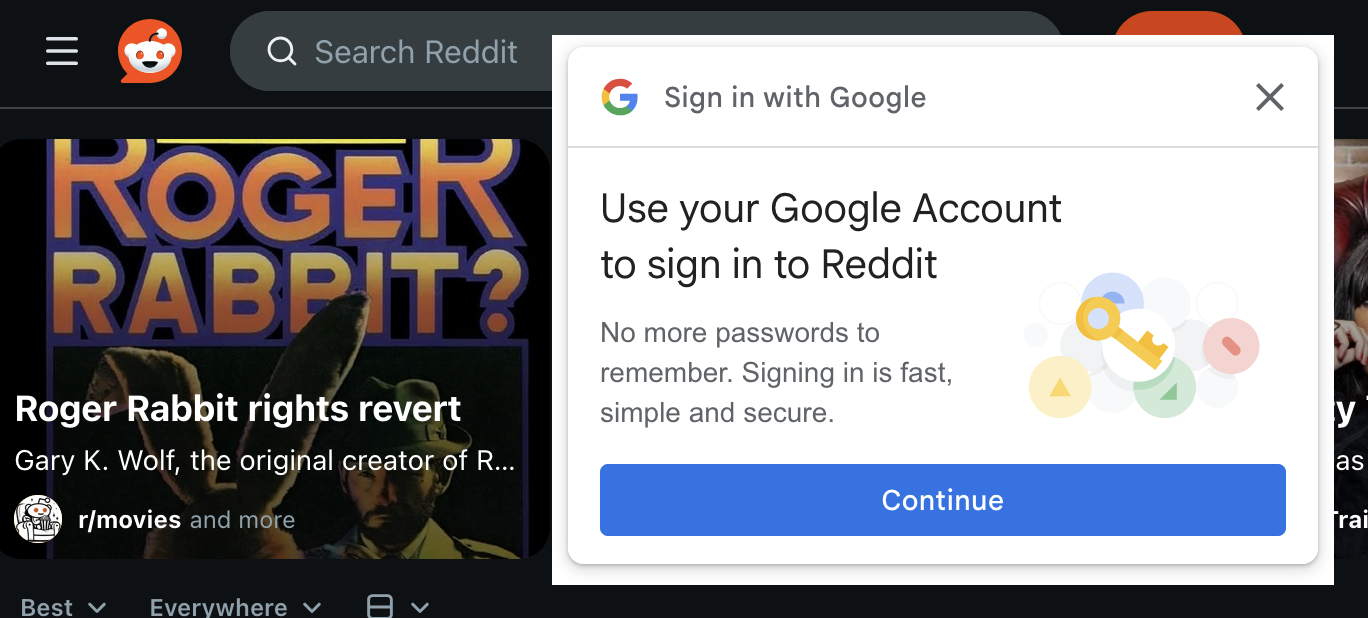
The Google sign-in popup blocker is just what the doctor ordered if you are annoyed by the popup that looks like this found all over the web:
Container tabs separate your worlds
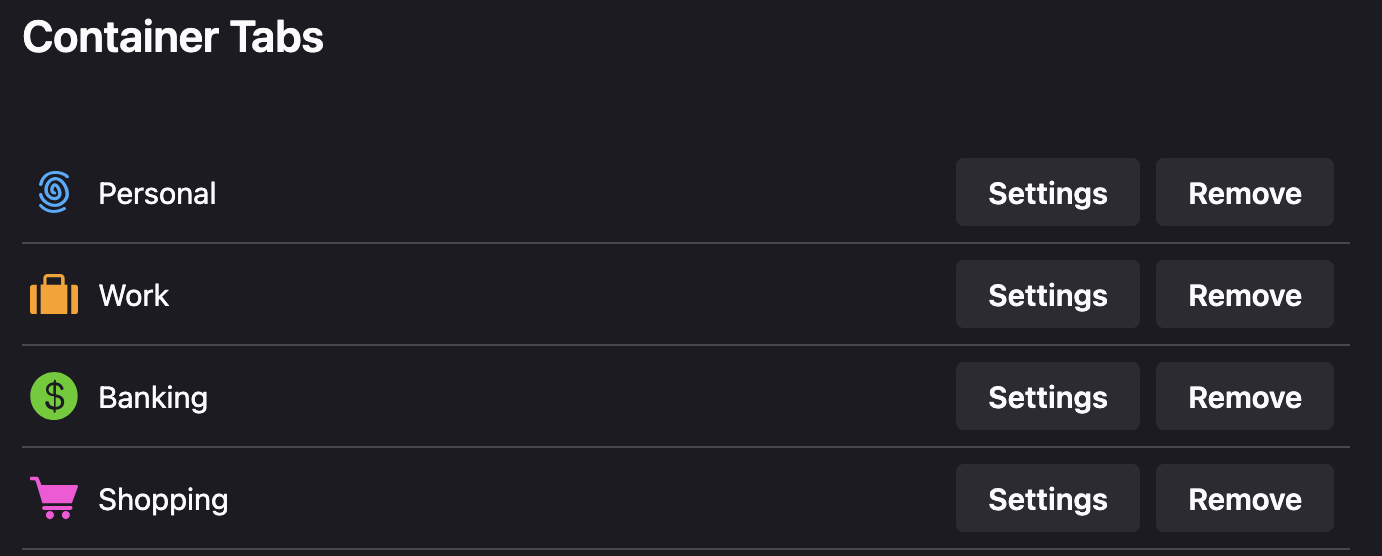
One of its most powerful features is container tabs, which let you segment your online life. Create separate containers for work, banking, shopping, and personal browsing to prevent trackers from connecting the dots between your activities.
Here is a preview of containers you get out of the box, but you can add your own too:
Privacy is up to you
Big-tech has trained you to view the web through their portal so they can monetize your data. Naturally, it takes a little trial and error to subvert it, but once you get LibreWolf up and running you’ll be glad you’re not part of that equation.